Shaker Cards Made Easy: Stunning Results with Word Dies
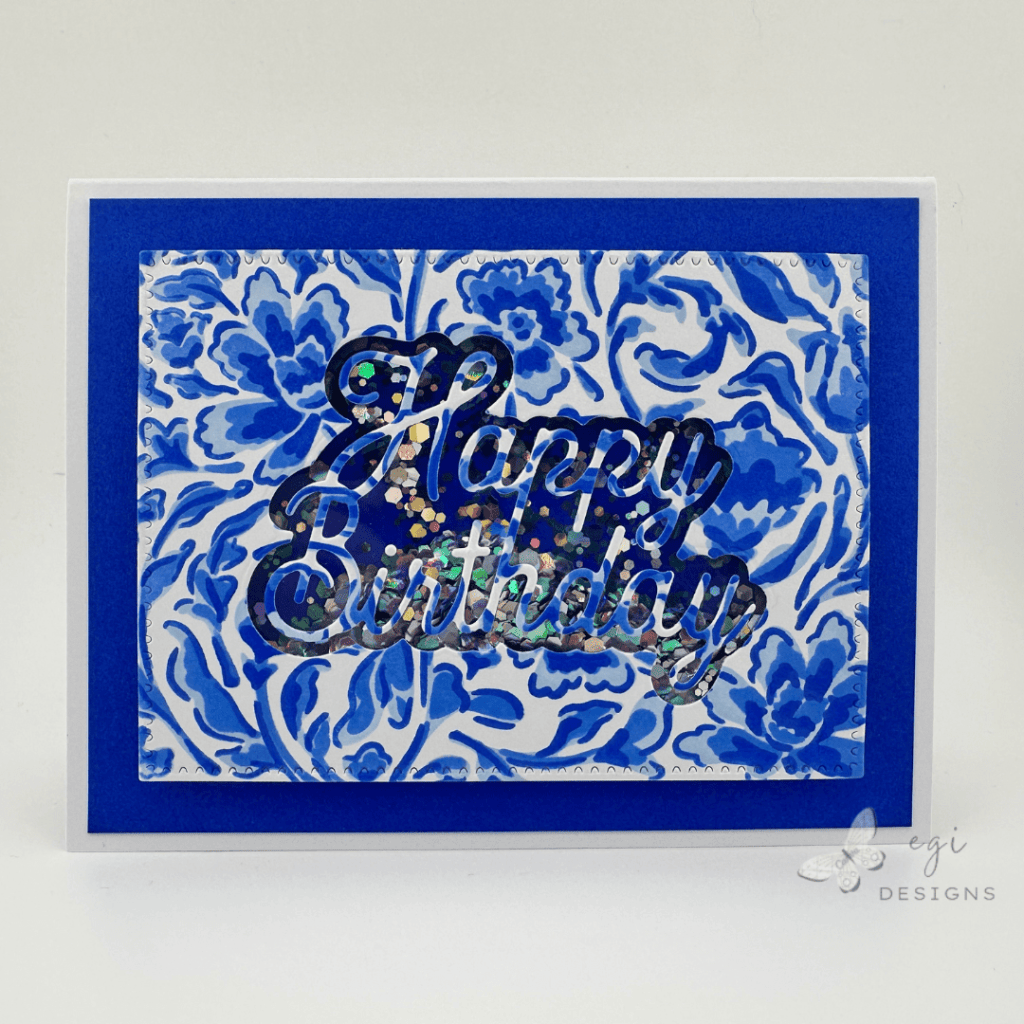
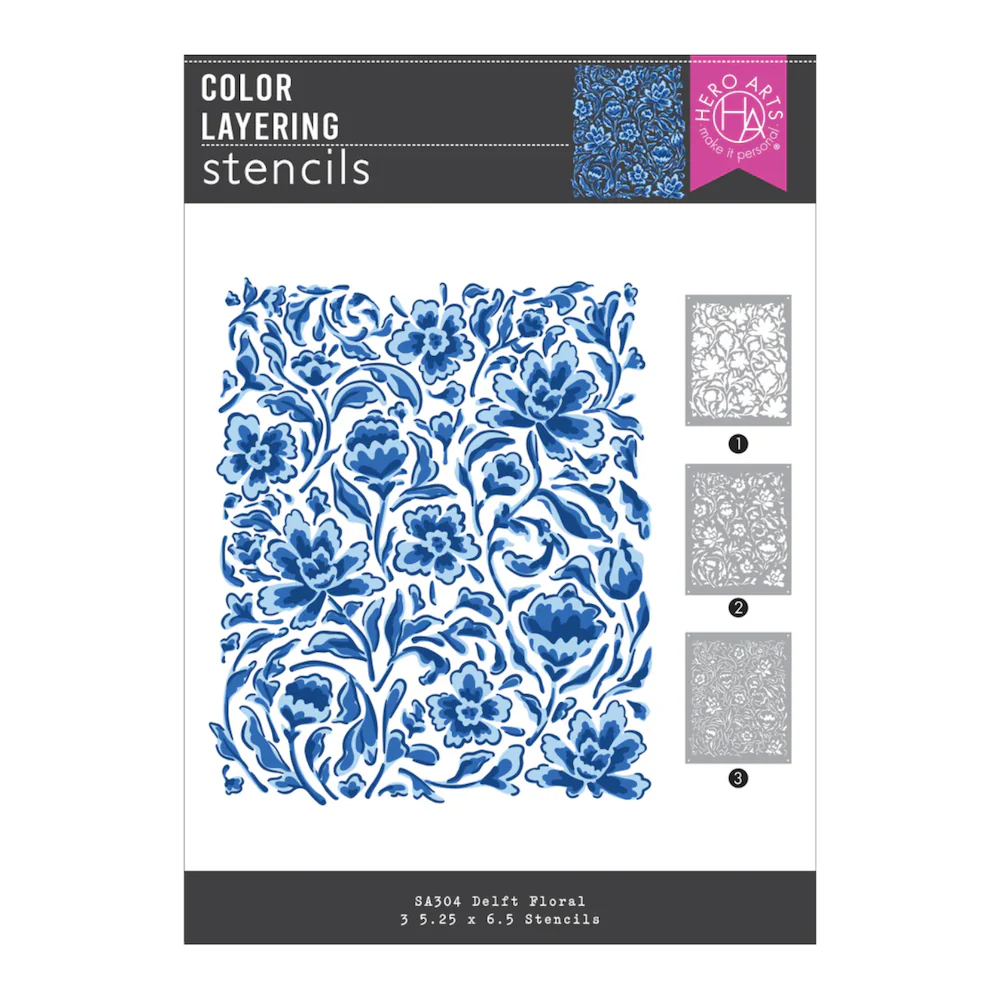
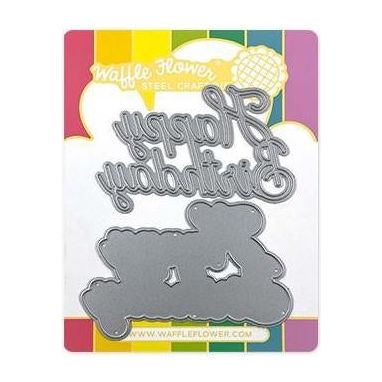
In this card project, I made a beautiful and sparkly shaker birthday card using word dies to create the shaker window. I stenciled a panel using the Hero Arts Delft Layering Stencil Set with the Altenew Lapis Lazuli Ink Quad (Iceberg, Eastern Sky, Ultramarine, Azurite). I used the Spellbinders Perfect Touch Rectangles and Tag Die Set to cut the panel, and the Waffle Flower Happy Birthday Die Set to cut out the shaker window. For the shaker bits, I used Scrapbook.com Shimmer Flakes in Disco Ball, Bejeweled, and Unicorn. All products used in making this project are listed below.
Creating the Stenciled Panel for the Shaker Card
The first step in making this card was stenciling on a 5 x 6″ panel of white BearBoss cardstock, using the Hero Arts Delft Layering Stencil Set. I used a grip mat to keep my paper and stencil in place while stenciling the panel. For the ink colors, I chose three out of the four ink pads from the Altenew Lapis Lazuli Ink Quad: Iceberg, Ultramarine, and Azurite. You could also use any color cardstock or patterned paper as the panel for this project.

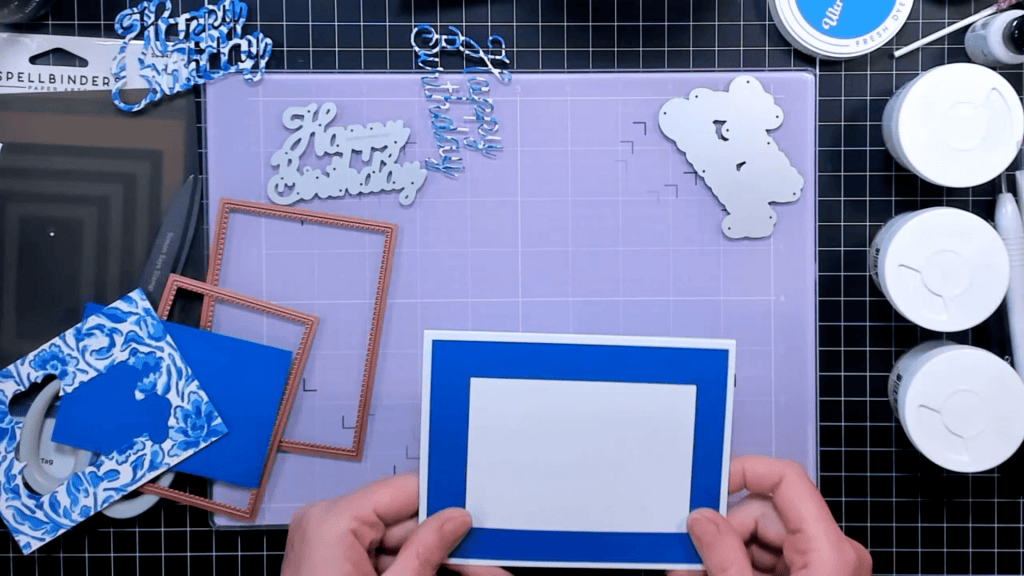
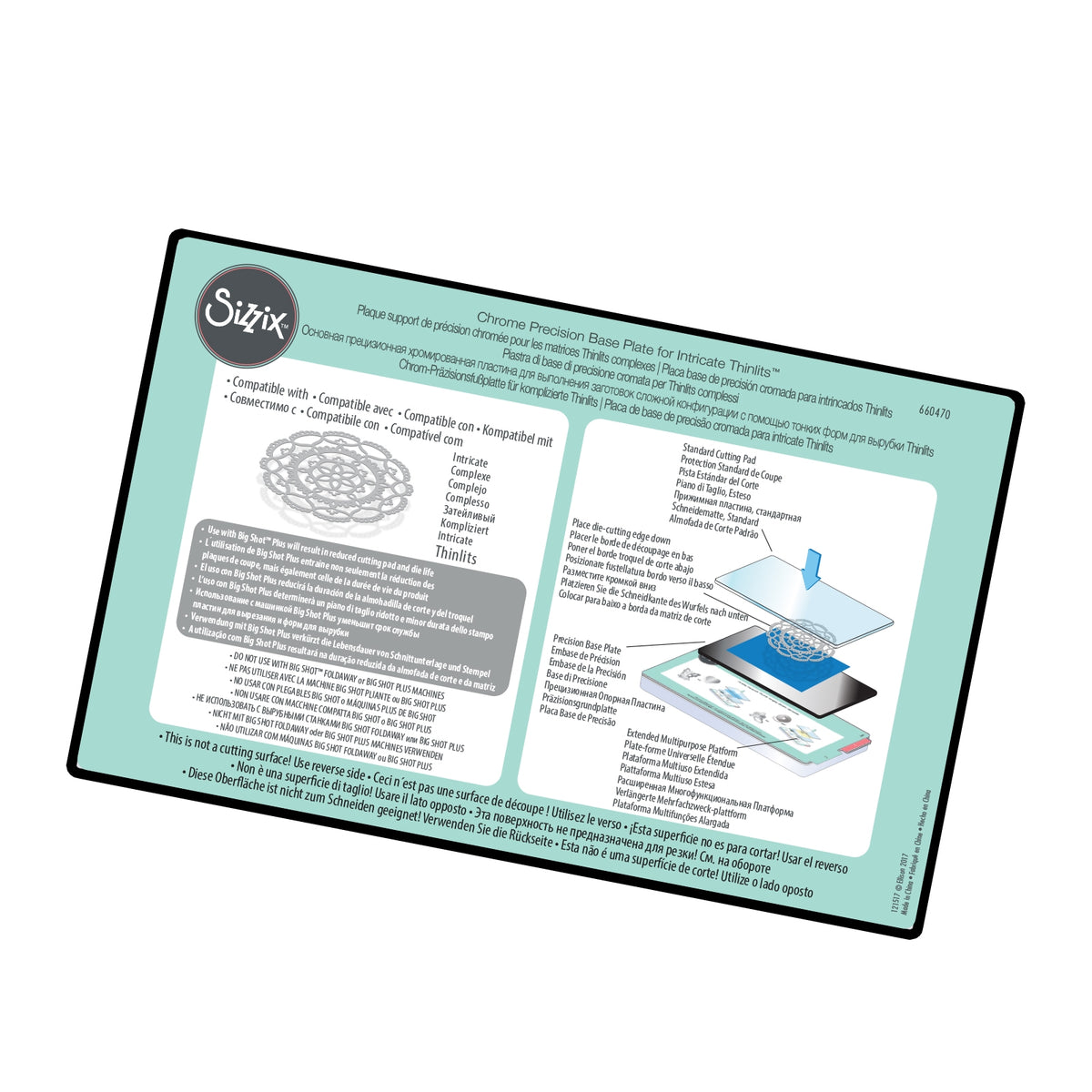
After the stenciling was complete, I used one of the dies from the Spellbinders Perfect Touch Rectangles and Tag Die Set as a guide of where I wanted to cut the card panel from, and also where to place a piece of the Altenew double-sided adhesive sheets on the back of the panel. I lined up the rectangle die on the front of the panel and taped it in place, and also lined up the shadow layer for the Waffle Flower Happy Birthday die set in the middle of the rectangle. I cut out the images using my Sizzix Switch machine with the Chrome Precision Base Plate, to make it easier to cut through the paper and adhesive.

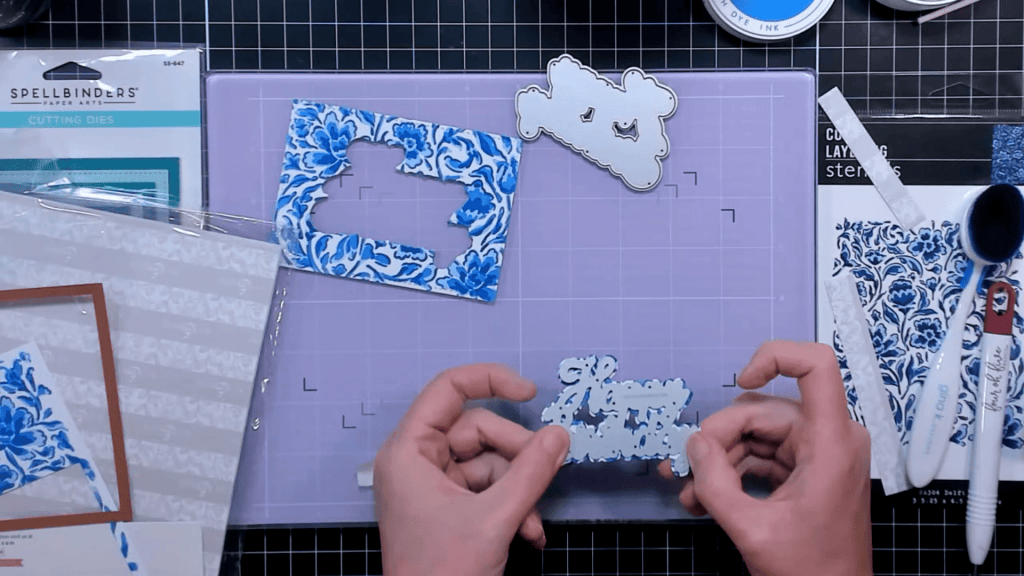
After cutting out the shadow layer word die from the panel, I layered the detail word die on top of the shadow layer die cut, and ran that through my die cut machine. You want to make sure to use a word die that has both the shadow layer and the detailed layer for this project.
Building the Shaker Card
I peeled the liner off the double-sided adhesive sheet on the back of the stenciled panel and added a panel of acetate over the shaker window opening. Before doing this, I rinsed the piece of acetate in water to get rid of any static electricity on it. Next, I added the detailed die cut layer to the front of the acetate after peeling off the liner off the back of it. Having the double-sided adhesive on the back of the die cut made it easy at attach to the acetate without any liquid glue mess.
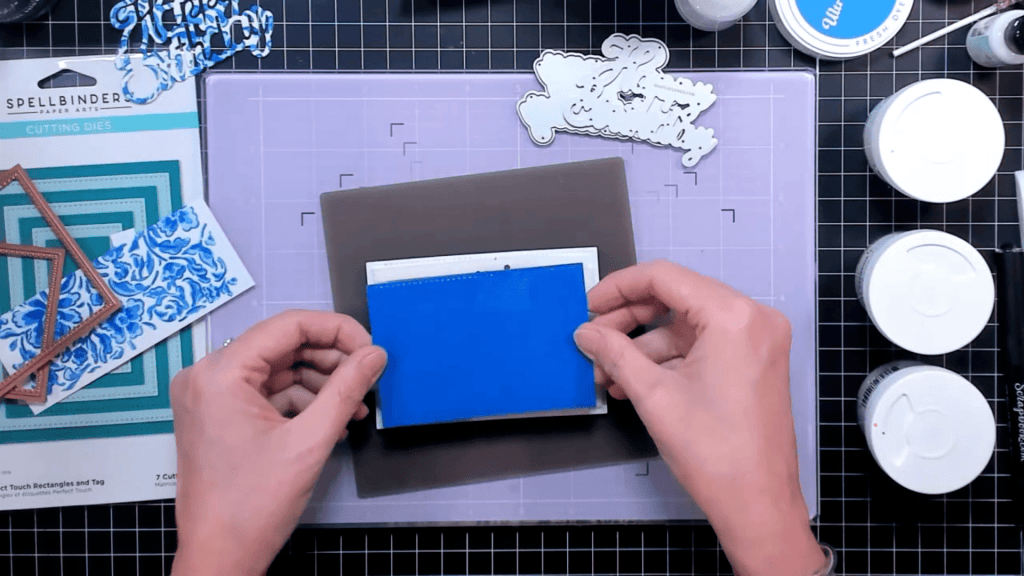
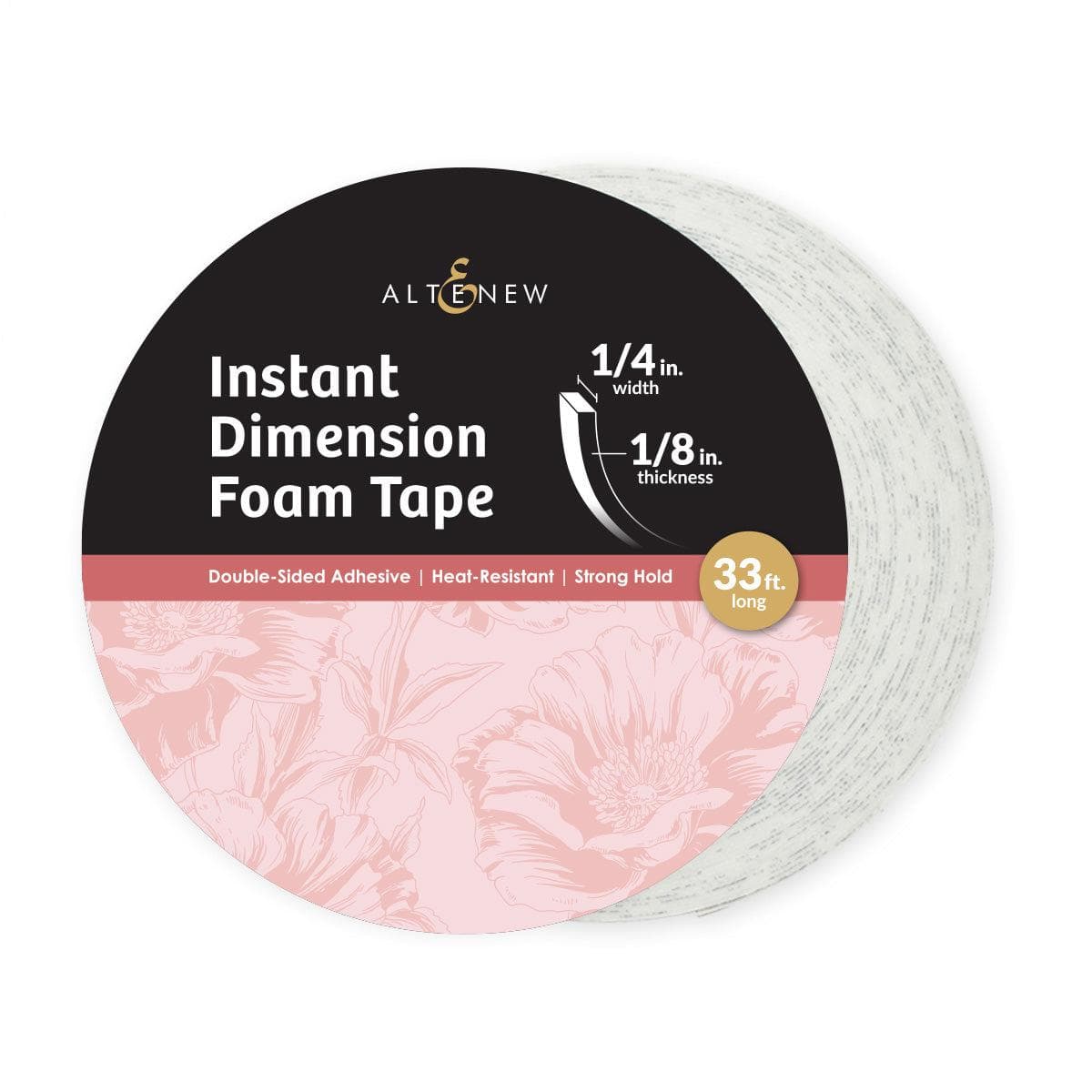
After that was all set, I used the Altenew foam tape on the back of the panel, first making a frame around the edges, and then walling off some of the areas so the shaker bits would be more visible and not settle to the bottom where they won’t be seen.
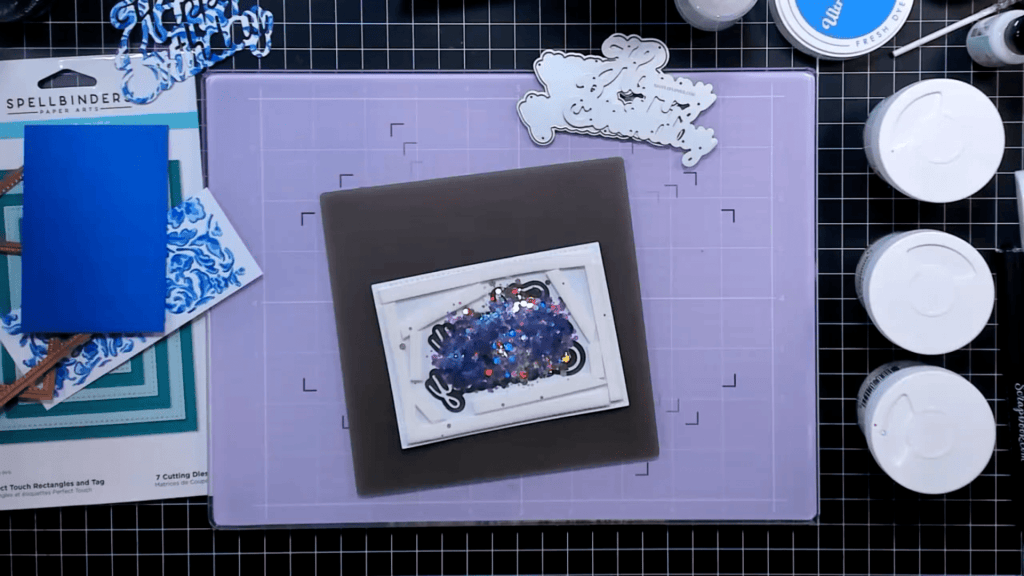
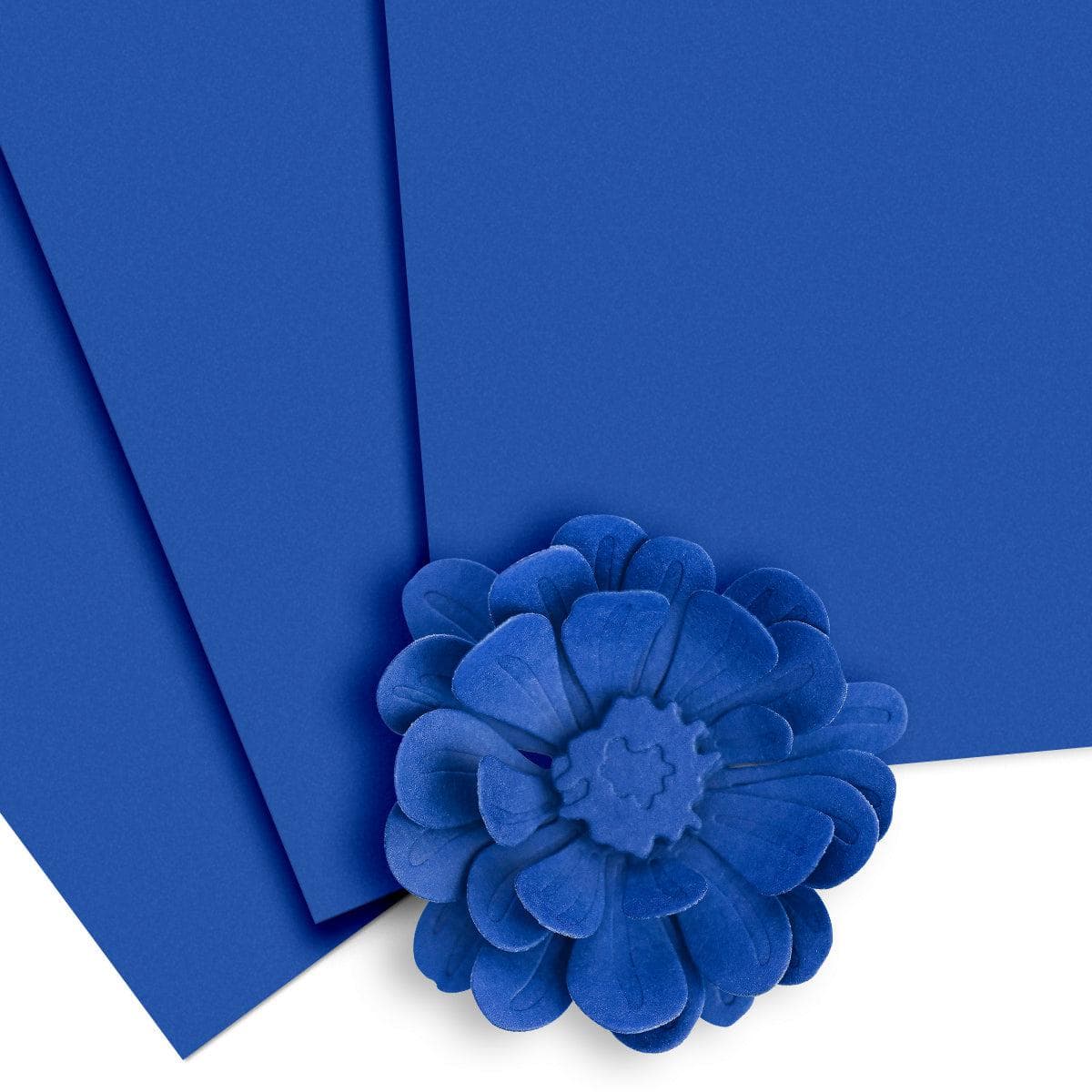
I then took all the liners off the foam tape and poured the Scrapbook.com Shimmer Flakes into the well created by the foam tape. I added a piece of Altenew Ultramarine cardstock over the shaker part, and then used my tape runner to add the shaker panel to the card base.
Quick Tip:
If you are planning on backing your shaker panel with a mat on the card front, cut out the center of the mat, ensuring it is big enough to cover the shaker part on the back of the panel. After you add the shaker bits into the well, use the cut cardstock piece to cover the shaker part. Add the mat frame to the card base, and then add the shaker panel on top of the mat frame. It is very easy to line up straight now, rather than trying to place the whole mat over the shaker element. It will look like a continuous mat after you place the shaker panel, and no one will ever know it is a separate piece.
Decorating the Inside of the Card
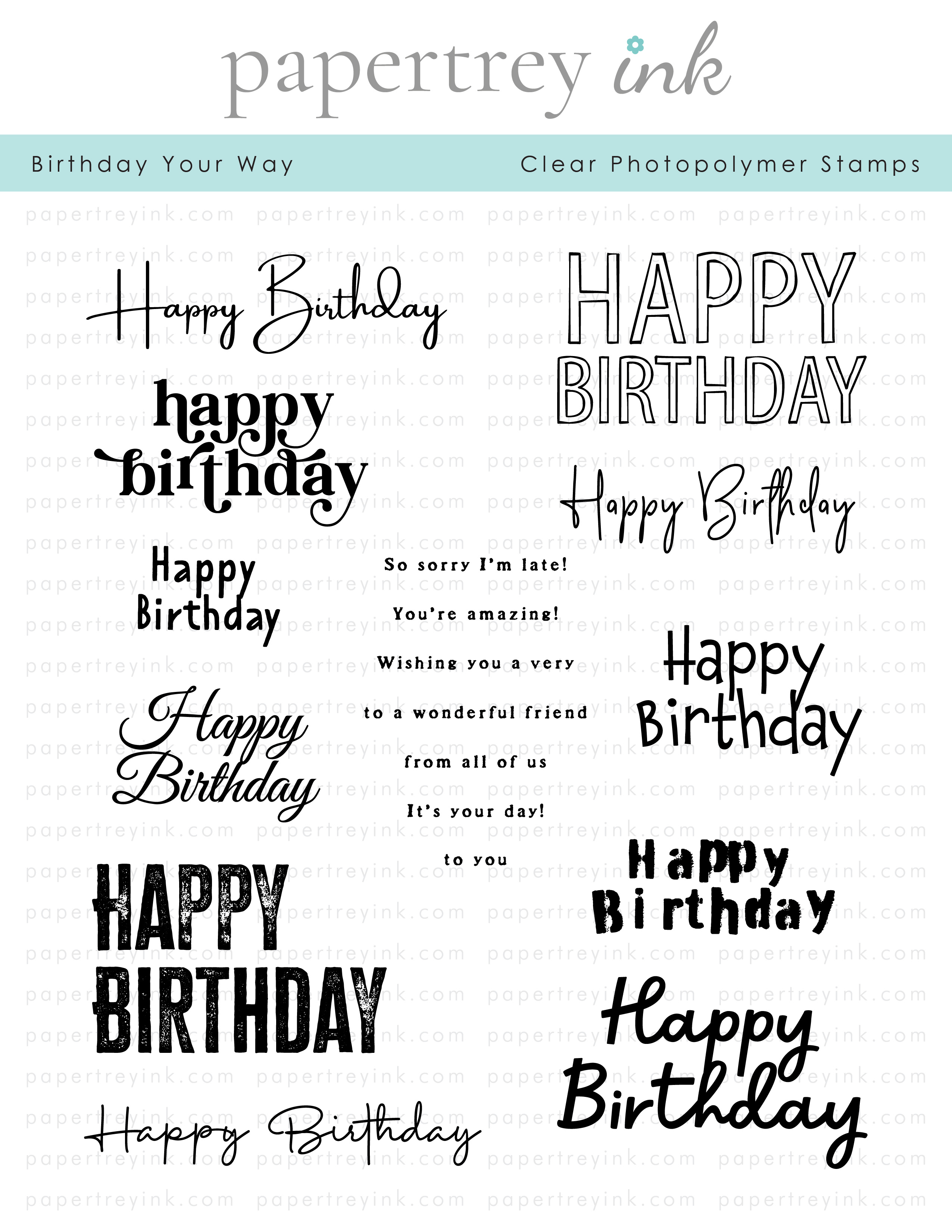
To decorate the inside of the card, I cut a white panel, and a mat layer of the Ultramarine cardstock. From the leftover Delft stenciled piece, I cut a skinny strip and added it to the left side of the white panel. I then stamped a Happy Birthday sentiment on the panel using the Birthday Your Way Stamp Set from Papertrey Ink, with Ultramarine ink. I added the white panel to the mat layer using my tape runner, then added it to the card base using temporary adhesive. Once I write out the card message, I will use permanent tape runner to add the panel to the card base. I use this method so if I mess up on writing the message, I don’t have to tear apart my card to add a new panel to it.

Step-by-step video:
I hope you enjoyed this project! For more card-making ideas, check out my YouTube playlist and card-making blog posts.
Product Information
Here are the products I used in today’s project. Please consider shopping through my affiliate links, as it greatly helps out my channel at no extra cost to you. Thanks so much for supporting me and my channel!
**Use code EGIDESIGNS for 15% off your order at Glassboard Studio**
|








Additional products used:
- Scrapbook.com Shimmer Flakes: Disco Ball, Bejeweled, Unicorn