Amazing Hot Foiling Results with Glimmer System on Acetate

In today’s video tutorial, I show how to use the Spellbinders Glimmer Hot Foiling System to foil on acetate. This class is part of my Crafty Classes Program, and it is the first video under the Advanced Adventures level. I placed this topic in the advanced category because it is a skill that I am still working on, and I feel it has a bigger learning curve than other techniques.
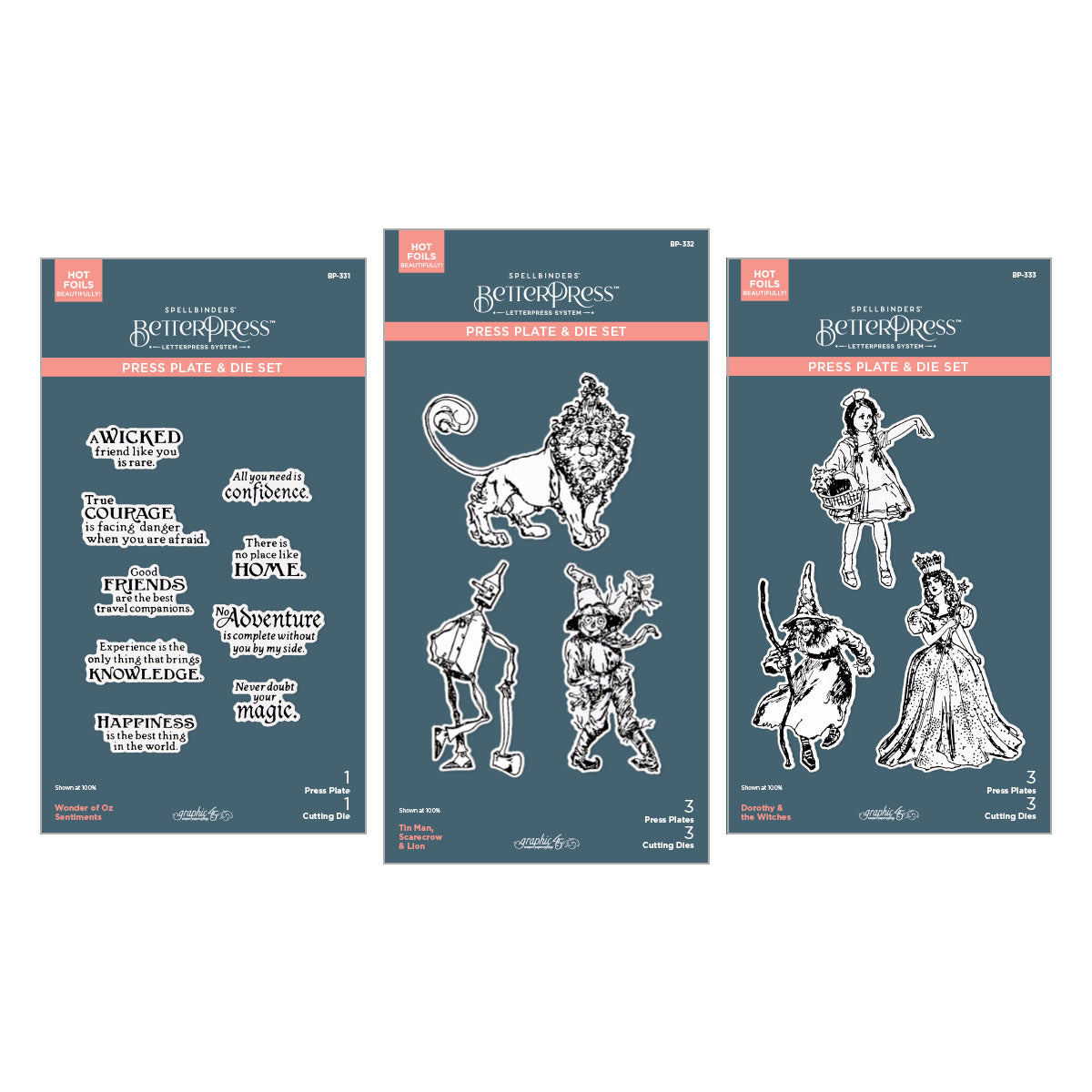
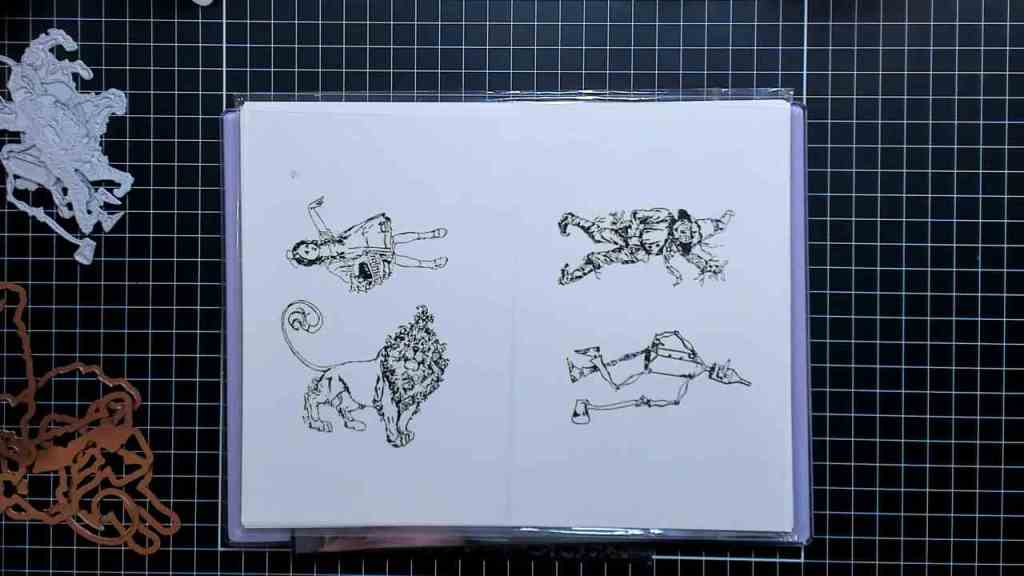
In this class, I used the Spellbinders Glimmer System for the foiling, Black Glimmer Foil, “Dorothy & The Witches” and “Tin Man, Scarecrow, and Lion” BetterPress plate sets, and Simon Says Stamp heat-resistant acetate. All products used in this class are linked below.
Spellbinders Glimmer Foiling Machine
The Spellbinders Glimmer Foiling Machine uses a heated platform and metal plates to kind of “iron on” the foil and adhere it to cardstock or acetate.
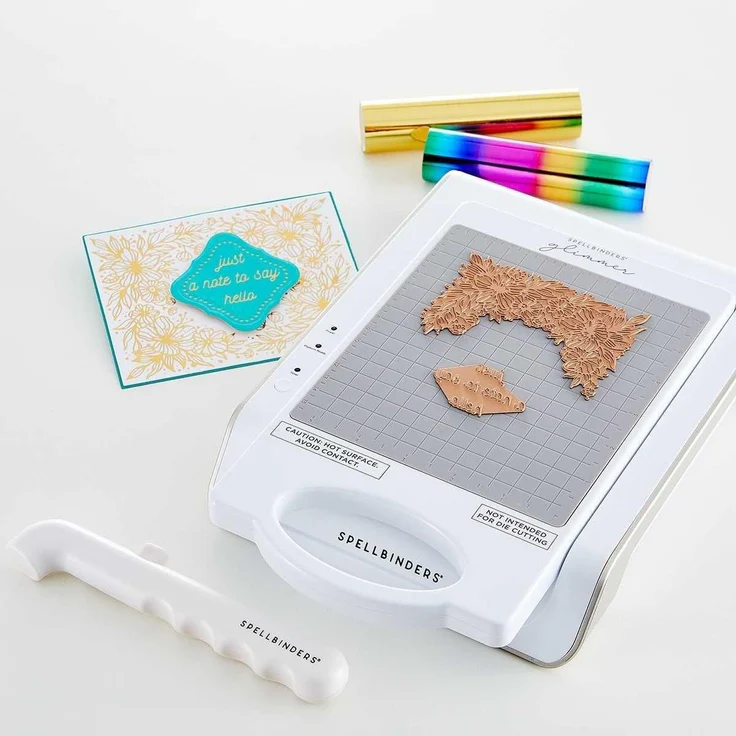
Glimmer Machine Instructions from Spellbinders

Preparing for Hot Foiling on Acetate
I wanted to foil on acetate for an upcoming project for Spellbinders, so I thought I’d make a video showing the process. I have an older version of the Glimmer machine that is prone to over-foiling, so I share a lot of tips and tricks in the video on how to avoid this.
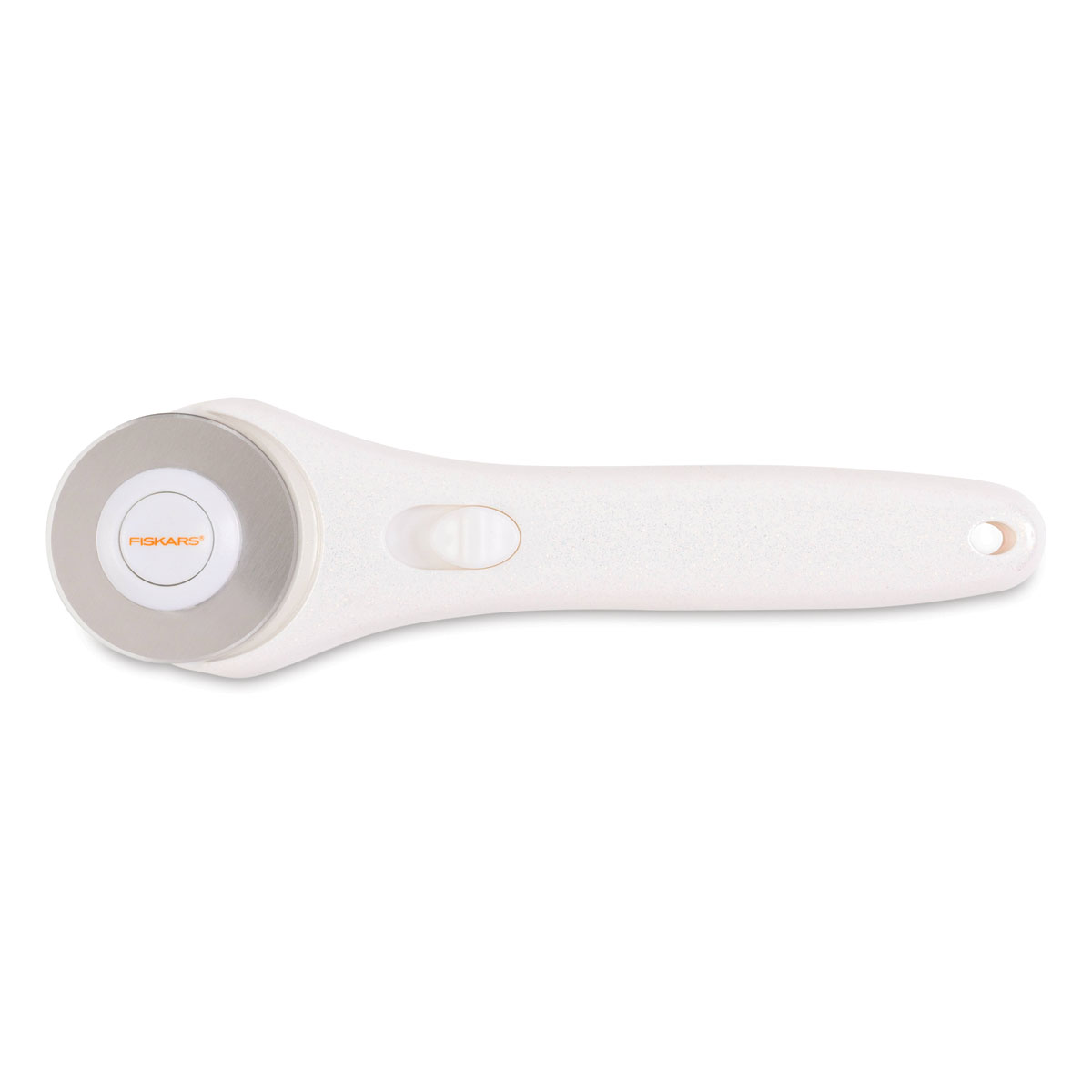
I cut a piece of Simon Says Stamp Heat-Resistant Acetate and washed it with water to remove any static. Next I cut a piece of Spellbinders Black Foil using the We R Memory Keepers self-healing mat and magnetic ruler, with a Cricut Rotary Trimmer. The mat and ruler are awesome as they hold the foil in place while cutting.

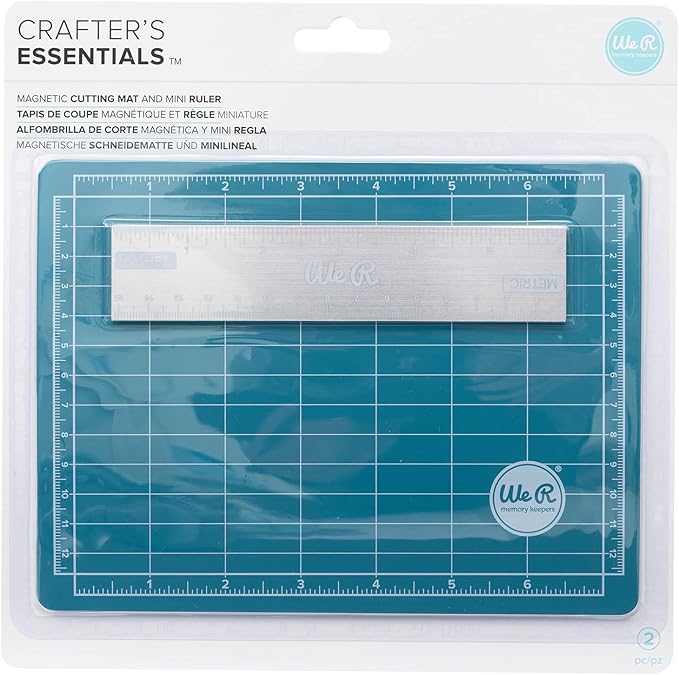
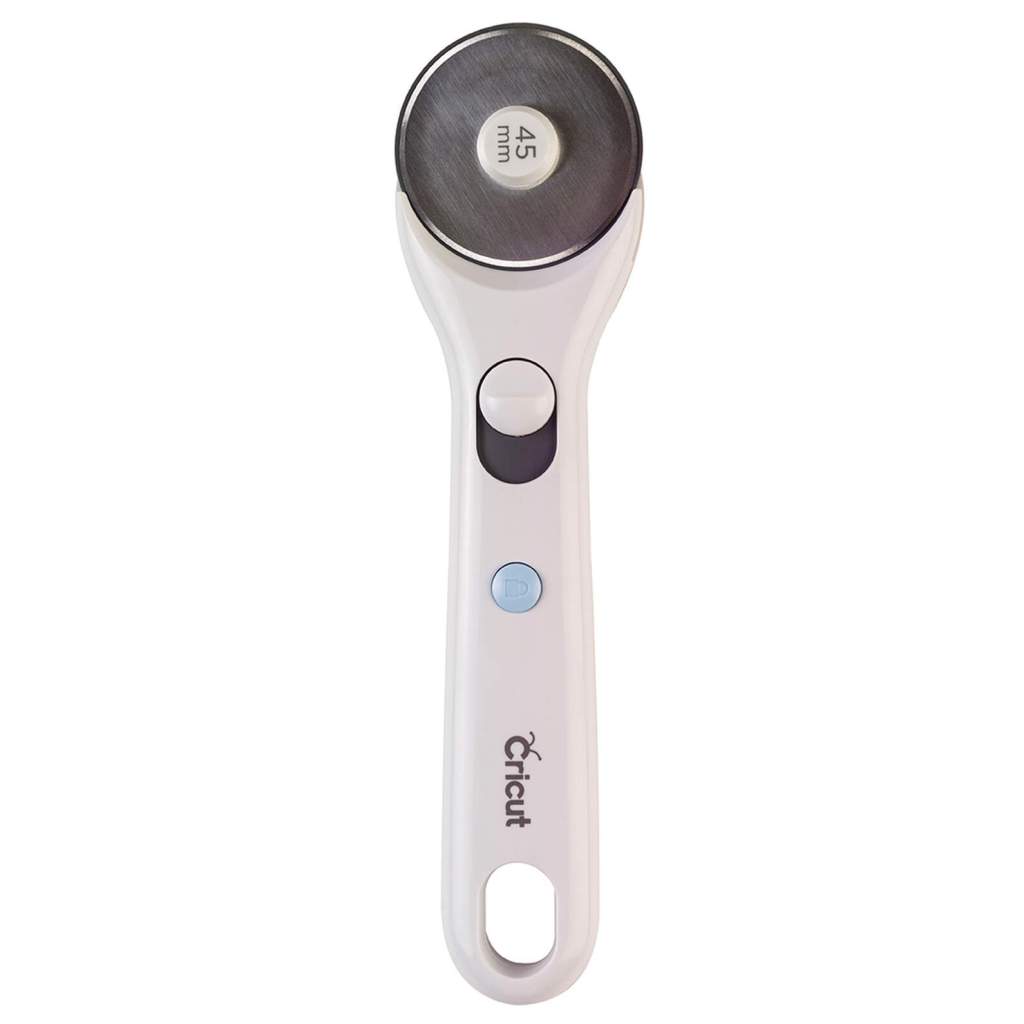
I wiped the foil with a Swiffer Cloth, and then taped it on top of the acetate using Pixie Tape. The “pretty” side of the foil should touch the metal plates when foiling, so in this case, the dull side was towards the acetate and the pretty side was facing out. When it was time to foil, I flipped over the acetate with the attached foil so that the pretty side was touching the foil, and the acetate was on top. Taping the foil ensures the foil stays smooth while running through the die cut machine, and helps to prevent over-foiling because of shifting foil.
Hot Foiling with the Glimmer Machine
I plugged in my Glimmer machine and turned it on, and waited for the “Platform Ready” light to come on. Once it did, I added my BetterPress Plates to the platform, and hit the timer button. This heats up the plates and gets them ready to “iron” on the image. Once the Timer light came on, I undocked the platform, and placed the acetate piece over the BetterPress Plates, with the pretty side of the foil touching the plates.
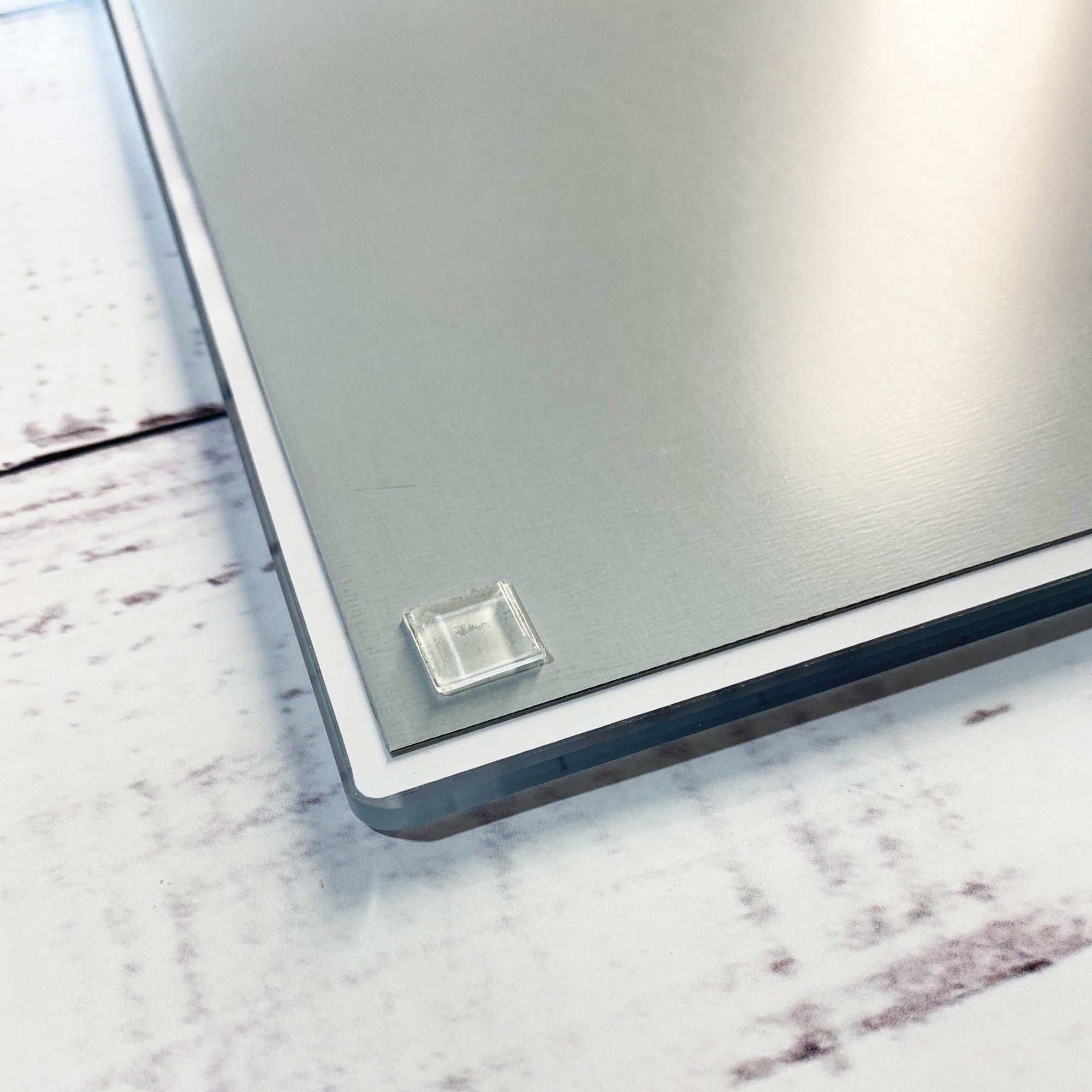
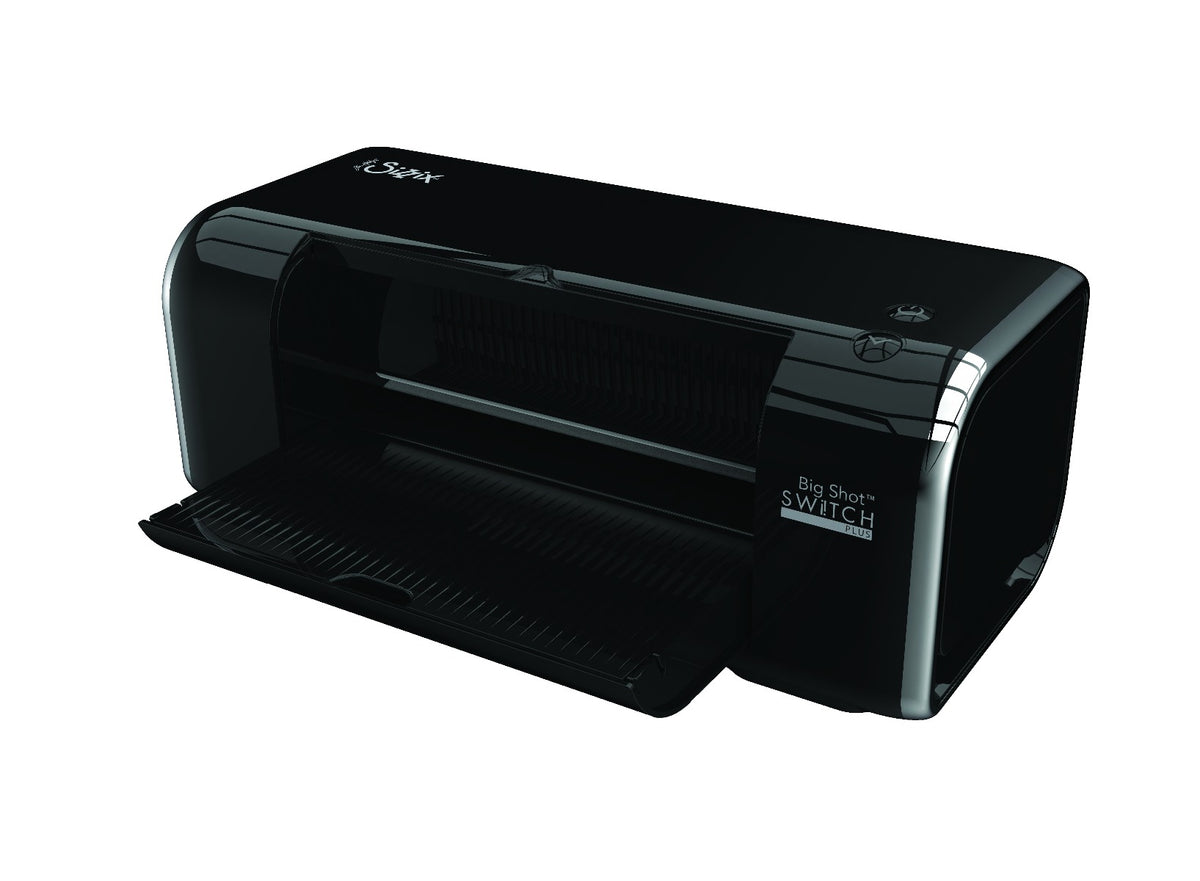
I added the shim and clear plate on top of the sandwich and ran it through my Sizzix Switch die cut machine. It is important not to jar the sandwich so the metal plates or the top plates do not shift, as this can cause over-foiling or double-foiling. It is also recommended to run the sandwich through the die cut machine only once instead of back-and-forth.
Once the sandwich went through the die cut machine, I placed the platform back onto the docking station and removed the shim and top plate. I lifted the acetate off the plates and let it cool, and also used the magnetic wand to remove the hot plates from the platform and placed them on the silicone mat. Once the acetate had cooled, I peeled off the foil to reveal the gorgeous images left behind. Great success!!
Hot Foiling on Acetate Video
Check out the video tutorial here:
For additional tutorials in my Crafty Classes Program, you can check out my Beginning Basics playlist or Secondary Skills playlist.
If you are looking for card-making tutorials, check out my YouTube playlist and card-making blog posts.
Product Links
Here are the products I used in this video tutorial. Please consider shopping through my affiliate links, as it greatly helps out my channel at no extra cost to you. Thanks so much for supporting me and my channel!
**Use code EGIDESIGNS for 15% off your order at Glassboard Studio**
|