NEW Envelope Punch Up Board by We R Makers
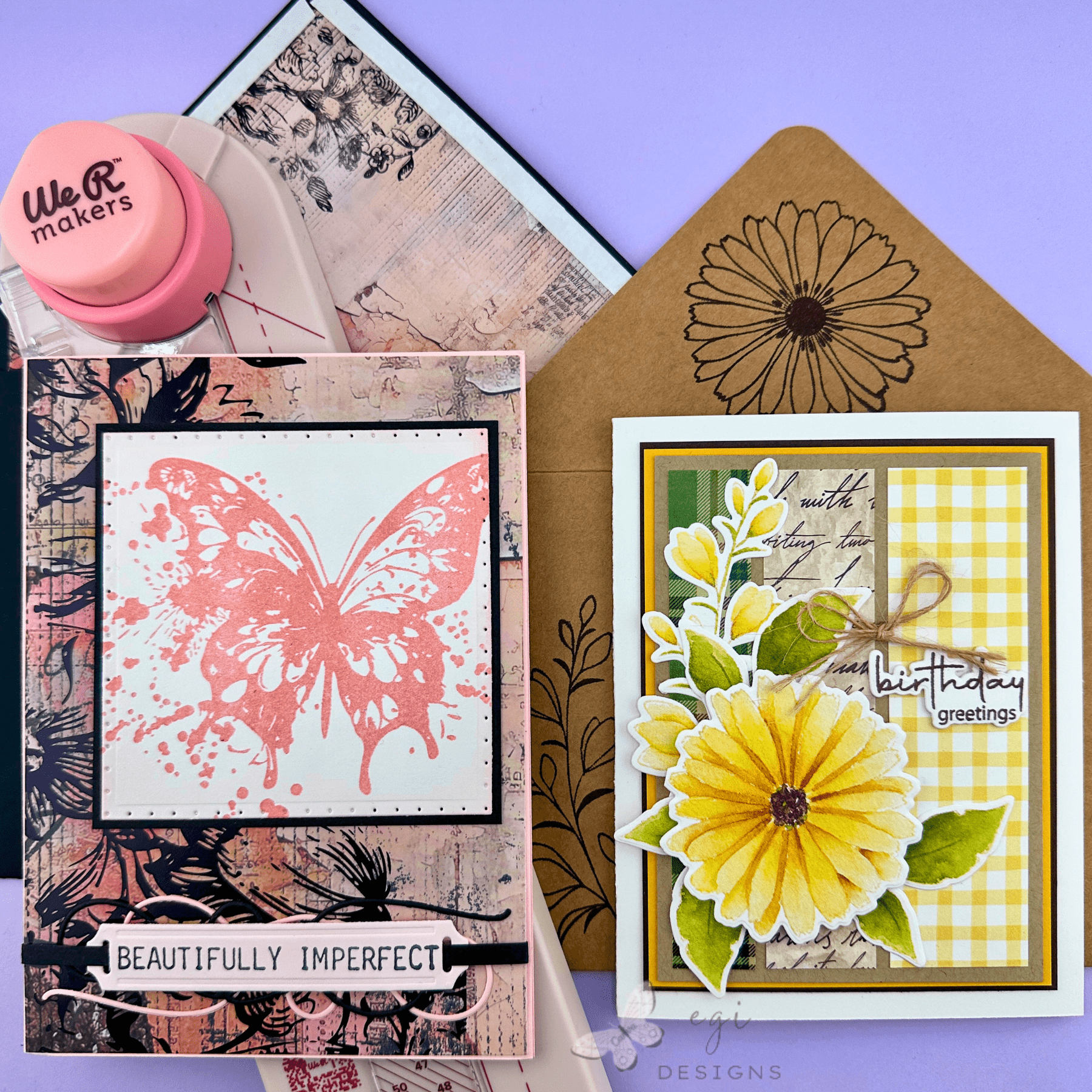
In today’s video project, I unbox the We R Makers Envelope Punch Up Board, walk through the online and phone calculators, create two envelopes with coordinating liners, and decorate the envelopes to match the card projects. All products used in today’s card tutorial project are listed below.
We R Makers Envelope Punch Up Board
I love making and decorating my own envelopes, and usually assemble them with the help of my 1-2-3 Punch Board. There is a bit of a learning curve with this board, and I have many video tutorials in my Punch Board playlist to show how to use it.
When I learned about the new Envelope Punch Up Board, I wanted to test it and see how it compares to the 1-2-3 Punch Board in ease of use, capabilities, and learning curve. I am happy to report that the Envelope Punch Up Board is very easy to use, and you can make any size envelope using the calculator tool. It also makes coordinating envelope liners, and box-style envelopes.

Related Videos:
I have many related videos and playlists that I mention in this video tutorial.
Punch Board Playlist: This playlist contains videos where I make different-sized envelopes using different envelope punch boards
Spellbinders Beautifully Imperfect Card project video and blog post.

Simon Says Stamp April 2026 Card Kit Unboxing: A Little Artsy video and blog post (contains Beautifully Imperfect 6×6″ paper, and A Little Artsy Stamp Set).
Gina K Designs Delicate Flowers Card project video and blog post.
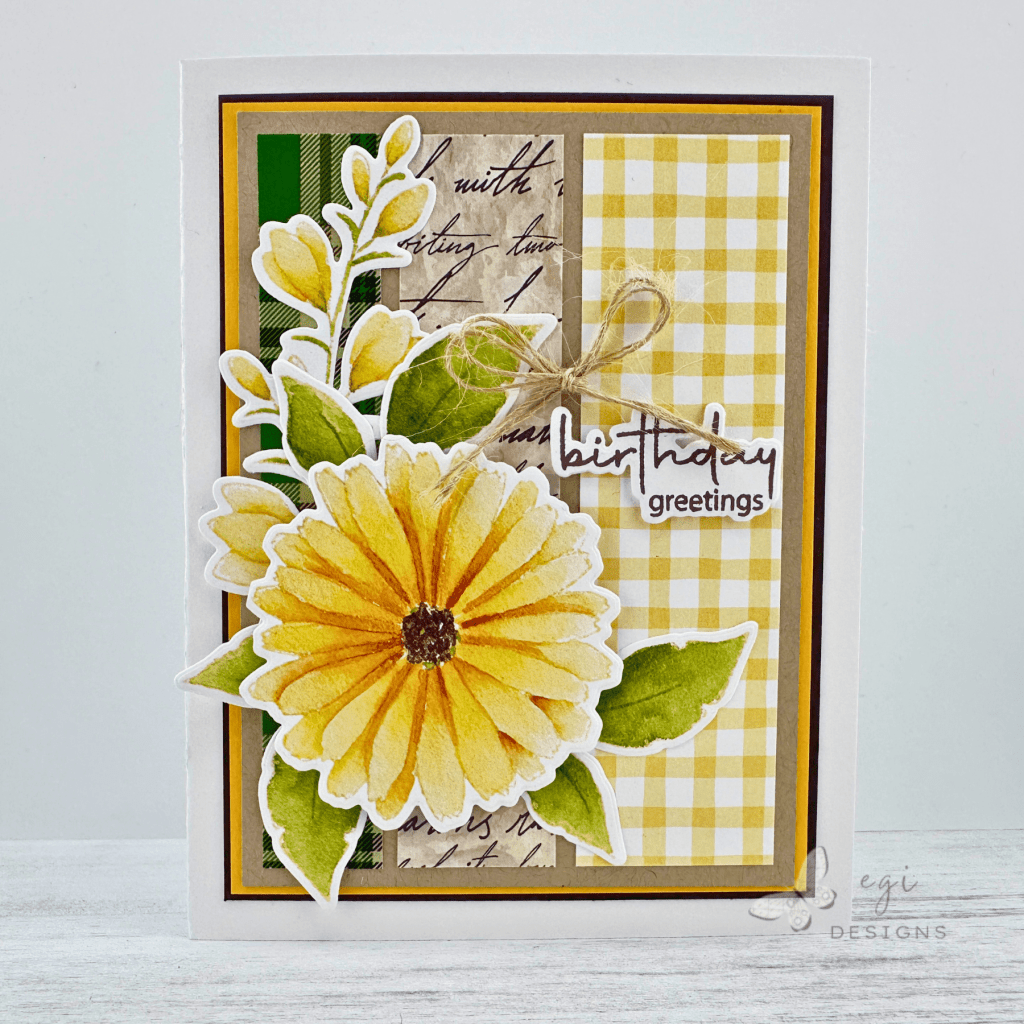
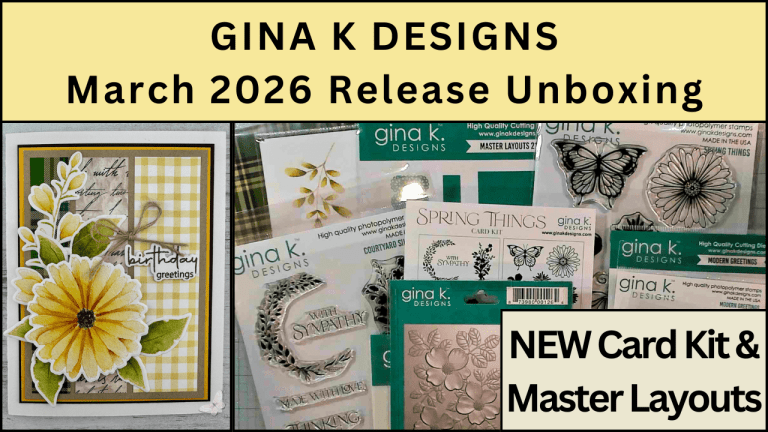
Gina K Designs March 2026 Release Unboxing video and blog post (contains Delicate Patterns and Delicate Flowers Ephemera).
How to Use Envelope Punch Up Board Calculator
The We R Makers Envelope Punch Up Board is very easy to use! The board has a QR code on it that you can scan with your phone, and it will take you directly to the online calculator. You can also find the calculator at the American Crafts website, under the Envelope Punch Up Board product page.
On the calculator, you will see on the top right a toggle switch for inches to centimeters. Then you will see a visual representation of what the card looks like inside the envelope before assembly. There are markings on the illustration as to what size card the envelope is for.
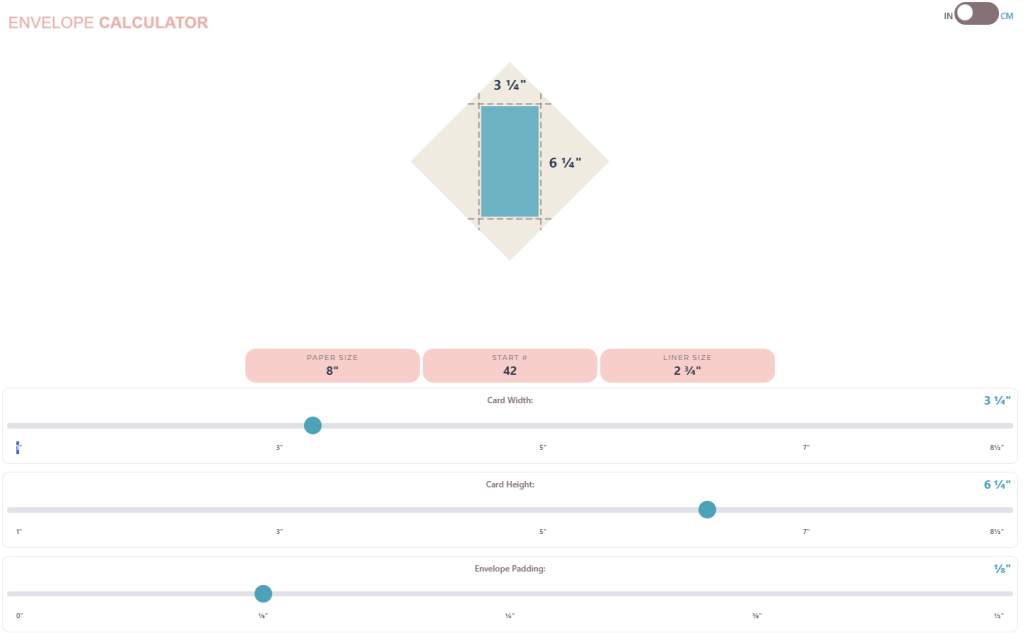
Directly under the diagram, there are three calculations: paper size, start number, and liner size. These are the numbers you need to construct the envelope and the liner.
Below that, there are three sliders where you can enter the length and width of the card, and how much padding you want inside the envelope. As you change the values on the sliders, the envelope and card diagram will change. You can confirm you have the correct measurements entered by looking to the right of the slider, or on the picture.
In playing around with the Punch Up Board, I found that a padding figure of 1/8″ worked very well, even for cards with many layers. If you have a very thick card, you can increase the padding amount so the card will fit into the envelope more comfortably.
How to Use Envelope Punch Up Board: Envelope
Once you enter all of the values in the calculator, the bubbles above the sliders will give you the correct measurements to create the envelope. In the mini slimline example above, the paper should be 8″ square, start line is 42, and the liner square should be 2 3/4″.
To create this envelope, you would first cut a piece of cardstock to 8″ square, and also a second piece of cardstock for the liner at 2 3/4″ square. If you do not want make a liner for the envelope, you can ignore this step.
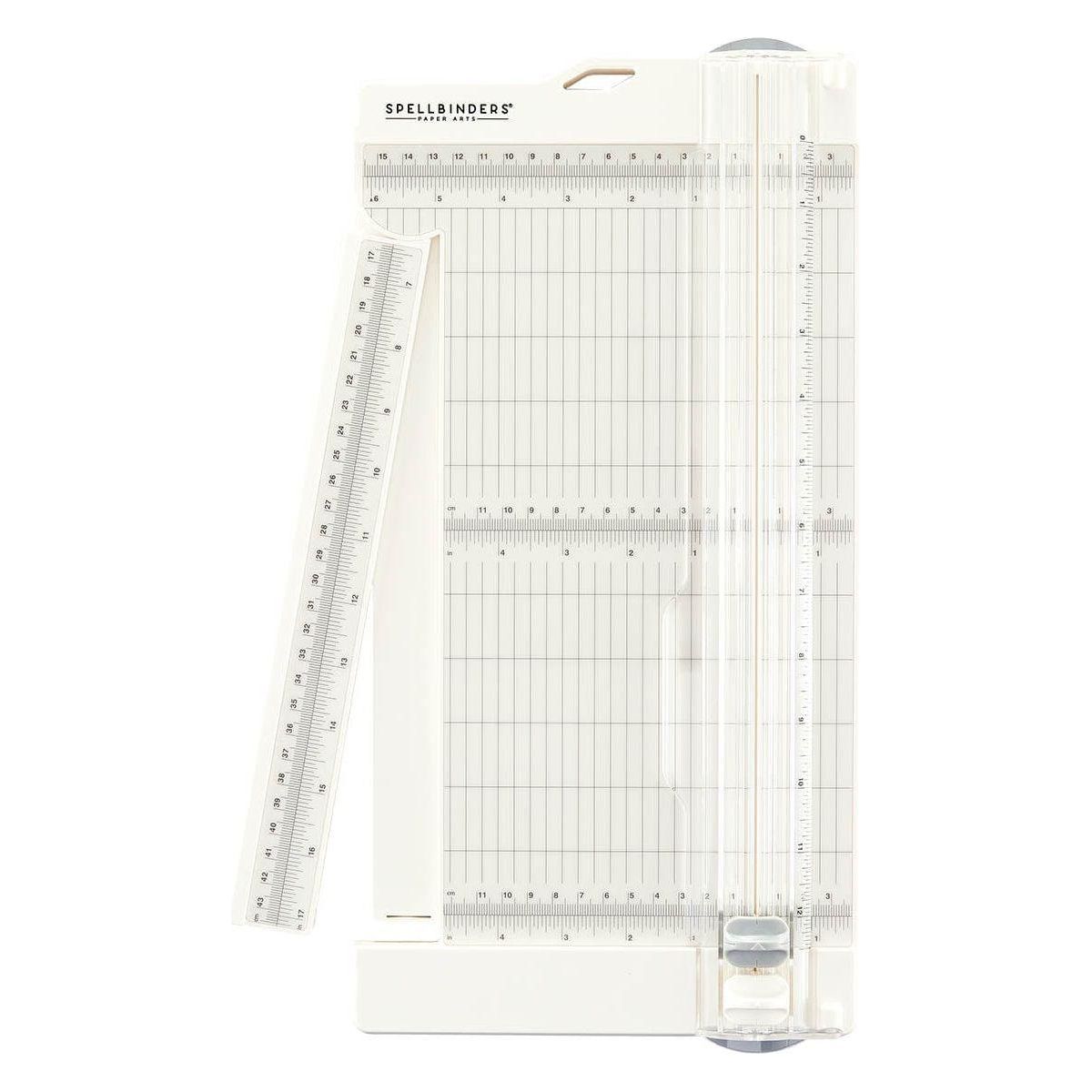
Take the cardstock square piece for the envelope, and place it on a diagonal under the clear plastic guide with the numbers on it. If it is difficult to get under the guide, you can press the clear lever up towards the circle punch to get the guide to lift up a bit.
**TIP: It is very important when scoring and punching that the top edge rests tightly against the diagonal shelf at the top of the board.**
Once the paper is under the guide and lined up against the diagonal shelf at the top, slide the paper up and to the right, or down and to the left to line up the bottom edge of the paper with the correct starting number. In this example, that would be 42. Once that is lined up properly, you would press the circle punch button on the top, and then run the scoring tool down the track. This is right next to the clear guide.
After that, turn the square counterclockwise one turn and slide it under the clear guide again. Make sure the top of the paper is tight against the top diagonal shelf, and slide the paper left or right so the vertical part of the notch lines up with the solid line on the board. Push the circle punch, and then draw the new score line. Repeat the same procedure for the remaining sides.
Once all the steps are complete, you can use the corner rounder on the back of the circle punch if you would like rounded envelope flaps.
➡️I would highly encourage you to watch the video for more information on using the Envelope Punch Up Board. It makes more sense seeing it than reading it, I think.


How to Use Envelope Punch Up Board: Liner
Place the square for the envelope under the clear guide, line it up against the top diagonal shelf, and slide the square towards the left or right to line up the right edge along the solid diagonal line on the top of the punch board. Press the circle punch, and if you want to score the liner to match the envelope flap score line, add a score line using the score tool.

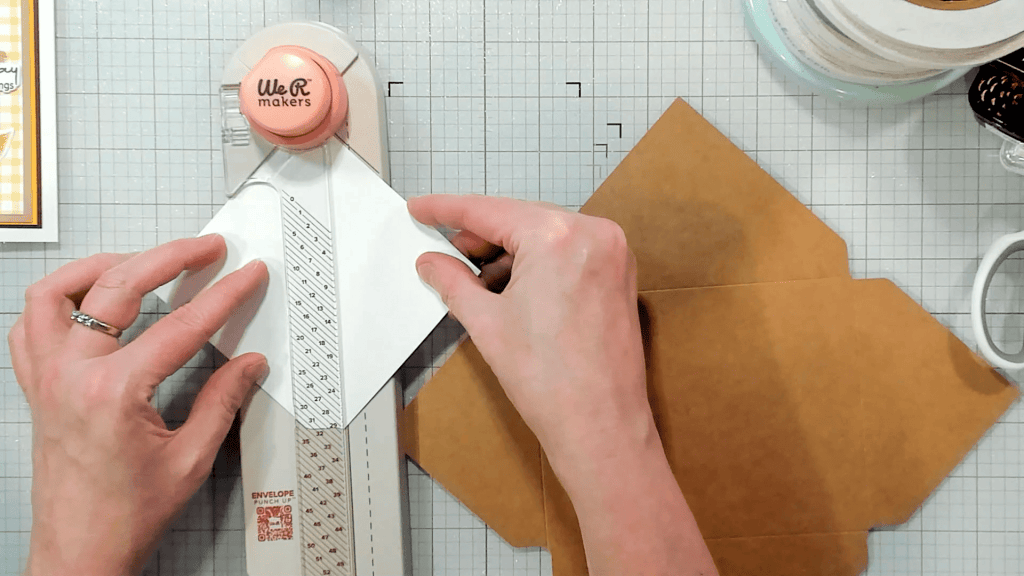

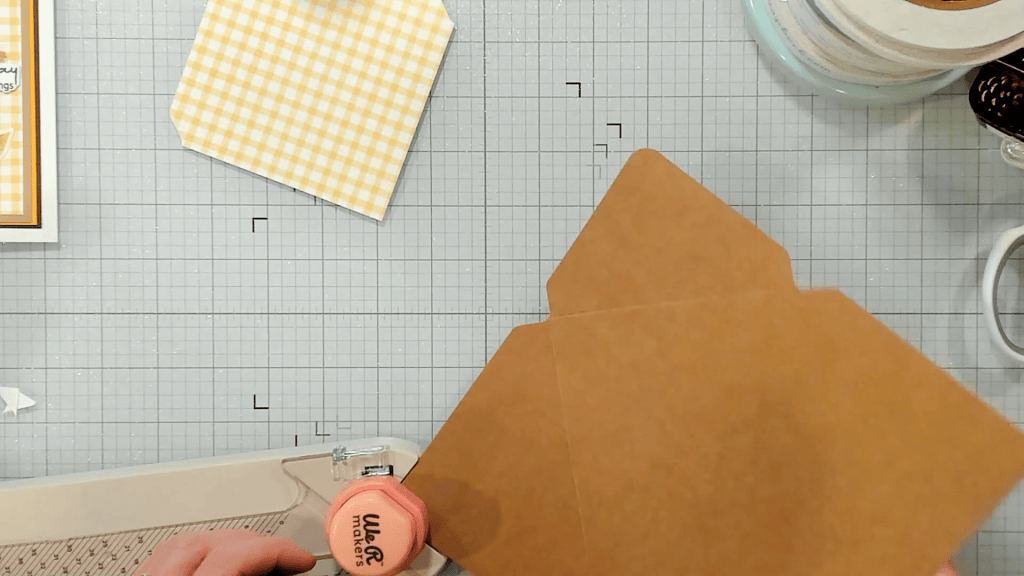
Remove the square from the punch board and flip it over, top to bottom, so the back of the paper is facing up. Place it under the clear guide, and slide it to line up with the diagonal solid line on the top of the board. Use the circle punch, and now the liner is finished!
**TIP: If you have a specific direction you want the liner paper to go in, what you want as the top of the paper should be pointing left during this process.**
Once the flap process is complete, you can round the top point using the circle punch.
Envelope Assembly
Once the panels have been cut and scored, it is time to assemble! First, I like to score all of the score lines with a bone folder. Using glue or tape runner, I like to add the envelope liner to the top flap before assembling the rest of the envelope.
After that, I use 3/8″ double-sided adhesive tape on the bottom flaps, and 1/4″ tape on the top flap. See video for adhesive placement tips and tricks.
Envelope #1: A2 Size
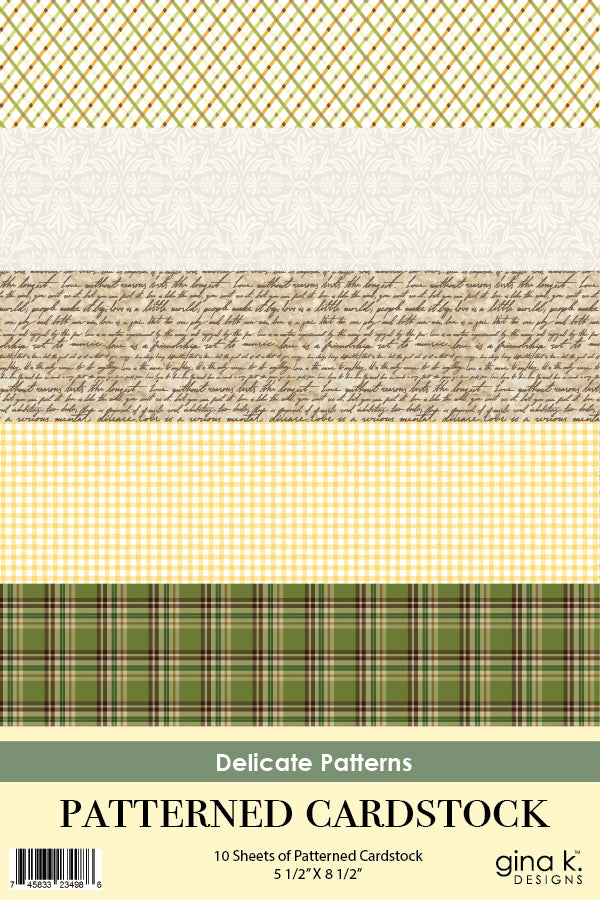
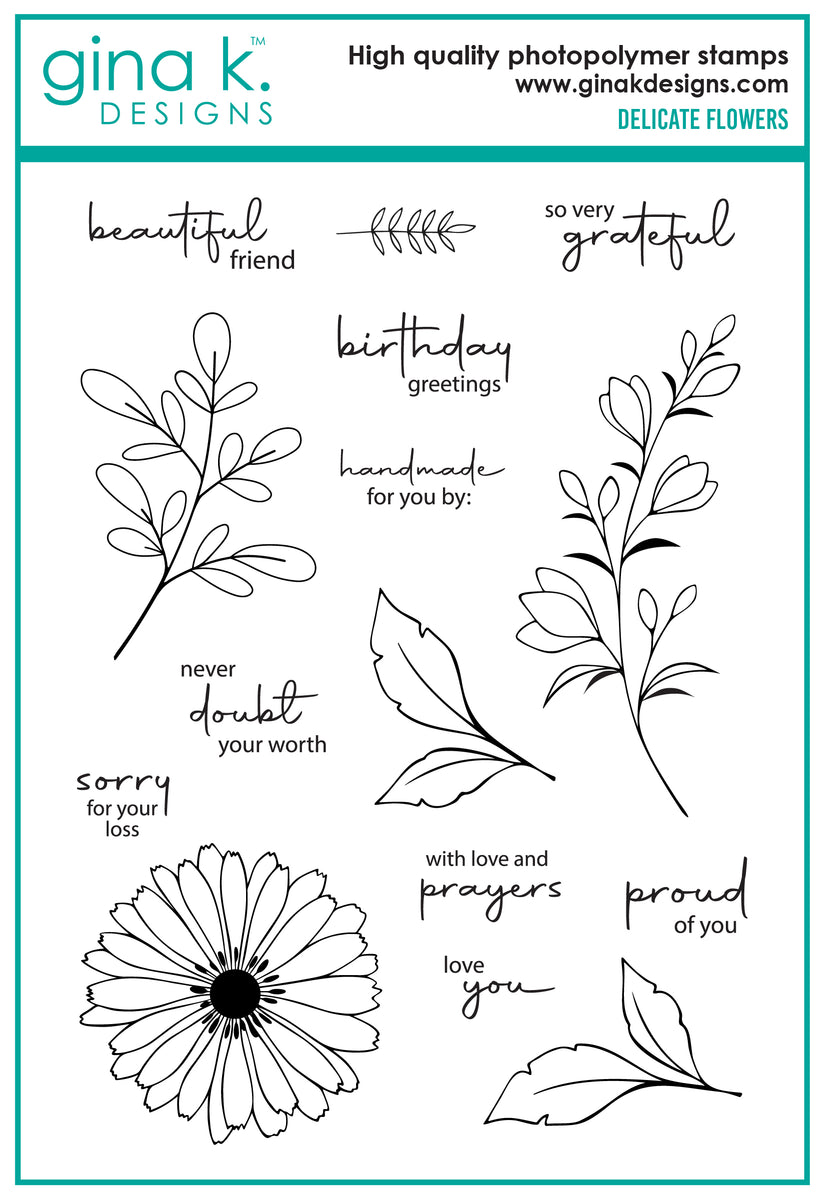
For this envelope, I wanted to make an A2 envelope to coordinate with a recent card project where I used Gina K Designs Delicate Flowers Ephemera and Delicate Patterns Cardstock to make a sweet Birthday Card.

Measurements:
A2 Card
Square Paper: 8 1/4"
Start at 36
Liner Paper: 4 1/4"
Padding: 1/8"
I cut the envelope square from BearBoss Kraft cardstock, and the liner from Gina K Designs Delicate Patterns Cardstock. I used the process above to punch and score the envelope and liner, and then assembled the envelope.
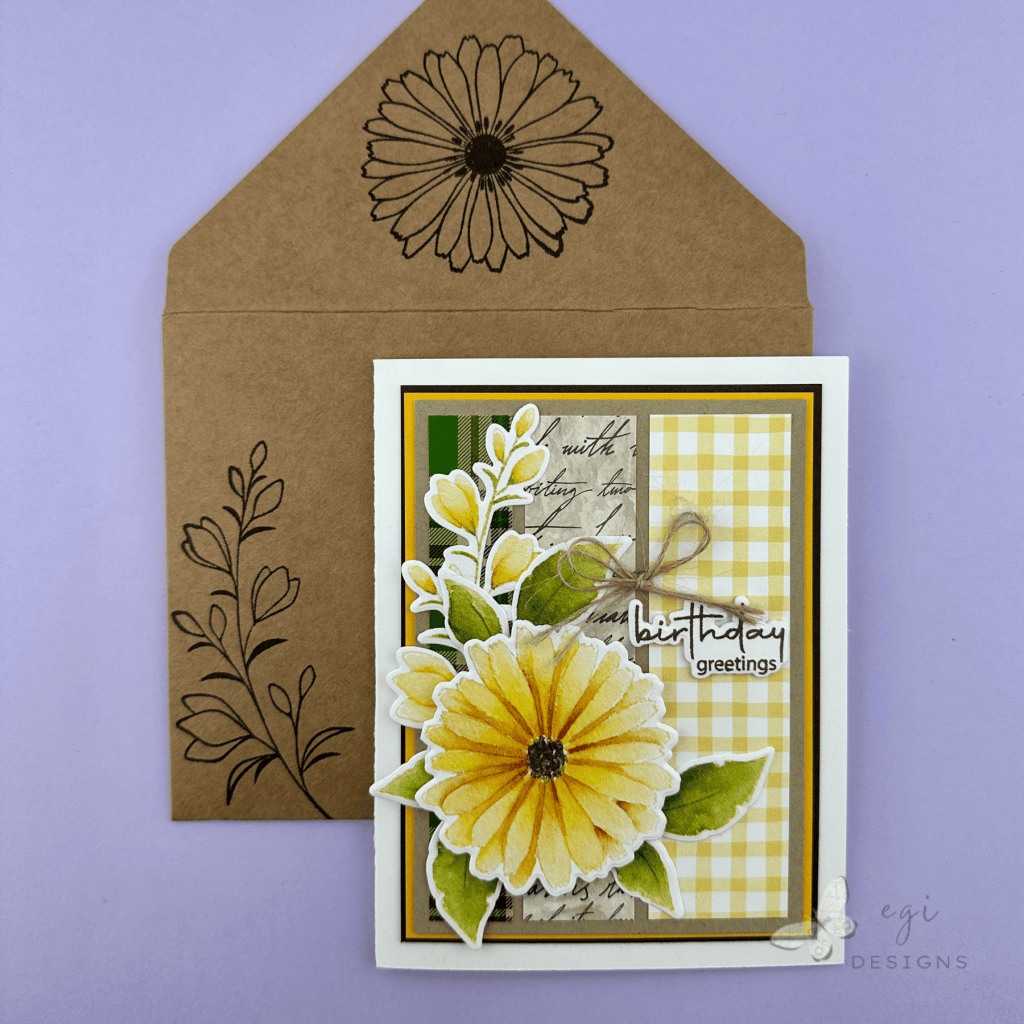
After that, I used the Gina K Designs Delicate Flowers Stamp Set with VersaFine Clair Pinecone ink to decorate the envelope on the front and back.
Envelope #2: 4 5/8 x 6 3/8″ Size
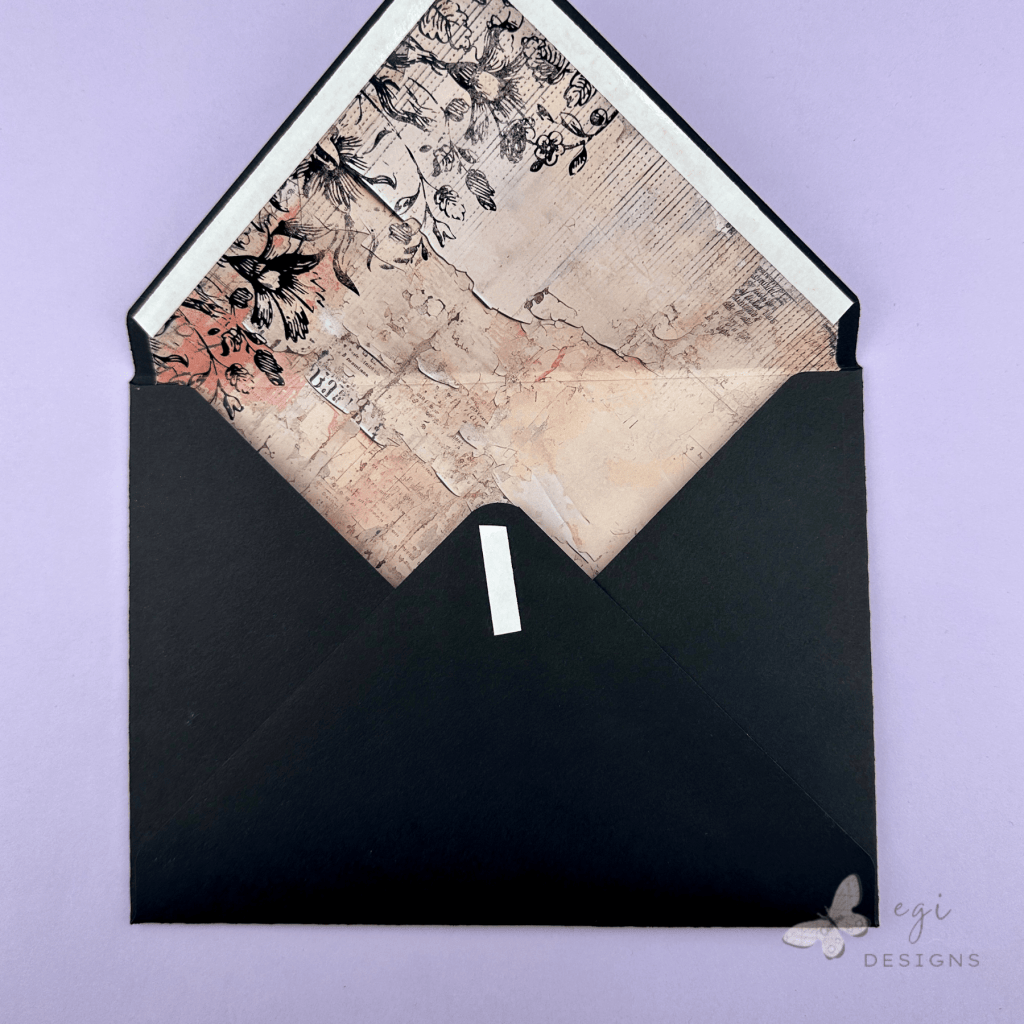
For this envelope, I wanted to make an envelope to coordinate with a recent card project where I used Spellbinders Beautifully Imperfect Paper and BetterPress Plate. This paper was also featured in the Simon Says Stamp April 2026 Card Kit: A Little Artsy.
Measurements:
4 5/8 x 6 3/8" Card
Square Paper: 9 1/8"
Start at 43
Liner Paper: 4 7/8"
Padding: 1/8"
I cut the envelope square from My Colors New Black cardstock, and the liner from Spellbinders Beautifully Imperfect 6×6″ paper. I used the process above to punch and score the envelope and liner, and then assembled the envelope.
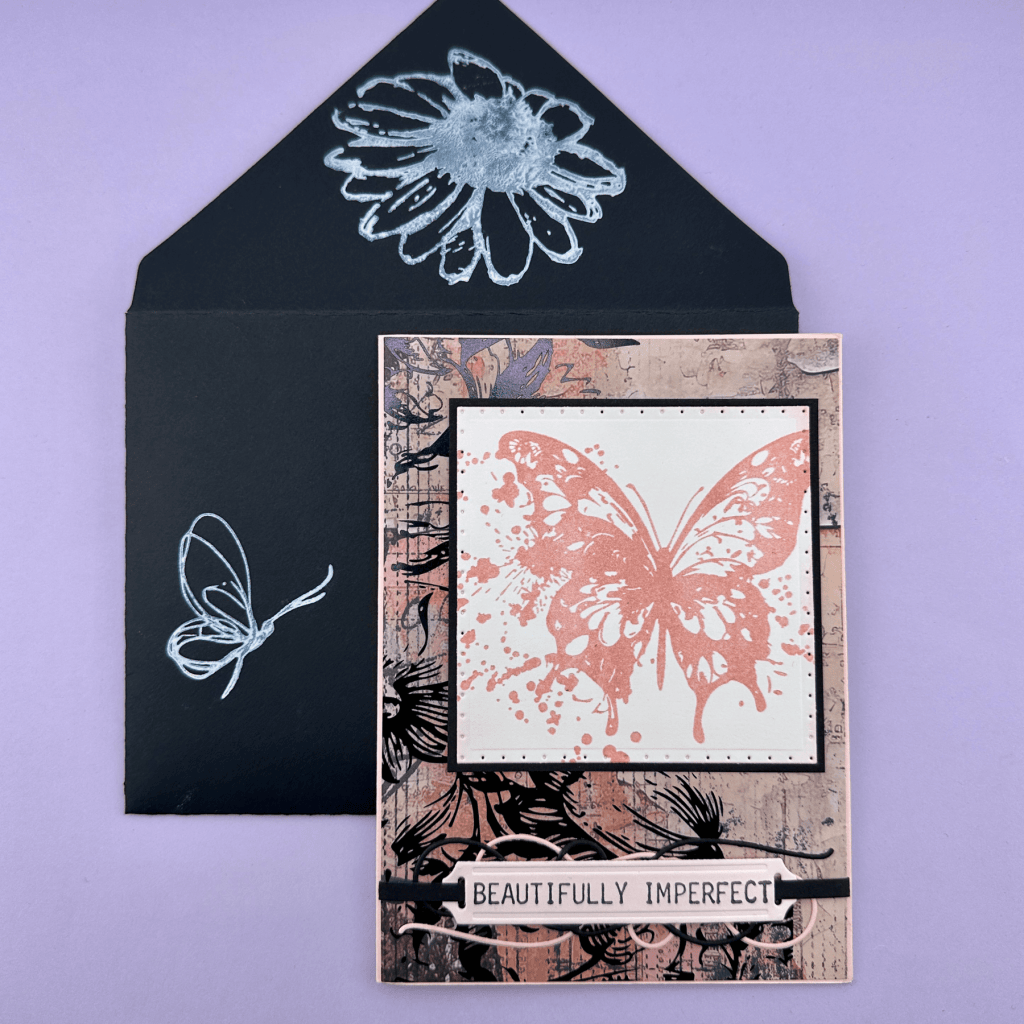
After that, I used the Simon Says Stamp A Little Artsy Stamp Set with Hero Arts Unicorn ink to decorate the envelope on the front and back.
Envelope Tutorial Video
Check out the tutorial video here:
If you are looking for additional ways to decorate your envelopes, check out my Part 1 and Part 2 videos. They offer numerous easy ways to add fun details to your envelopes.
If you are looking for additional ways to decorate the inside of your cards, check out my Part 1 and Part 2 videos with more easy ideas. I also have a Card-Making Tutorial playlist if you are looking for some crafty inspiration!
Product Links
Here are the products I used to create today’s project. Please consider shopping through my affiliate links, as it greatly helps out my channel at no extra cost to you. Thanks so much for supporting me and my channel!
**Use code EGIDESIGNS for 15% your order at Glassboard Studio**
|









2 Comments